
Walkthrough of the Process
Here's an overview of managing the associations on a Note:
Here is a handy feature around associated objects on activity items. Activity items include Notes, Emails, Calls, tasks, and Meetings.
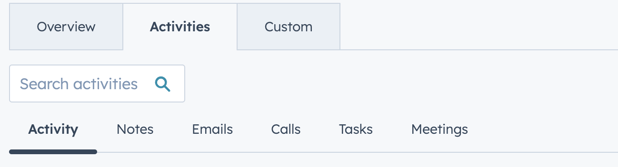
- When contact is associated with multiple objects, that is a bit of a mess.
For example, this note is for Deal 1, but it is also associated with Deal 2. When we go to Deal 2, the note appears there as well.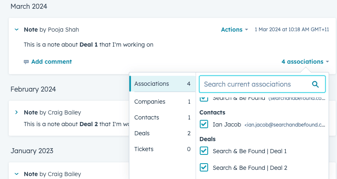
- To clean this up, we can remove the association.
- This can be done by taking off the Deal 2 association from the note.
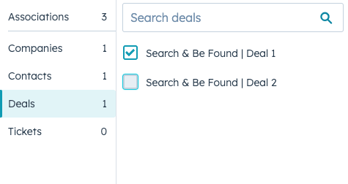
- So when we refresh the note it will disappear from Deal 2 as we removed that association.
- This can be done by taking off the Deal 2 association from the note.
- If we need to add the association back, we can open the associations again, go to Deals, and add Deal 2.
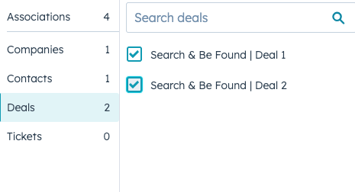
This is a great way to keep your portal and activity organised and meaningful.
HubShots Framework: Stage 2, Activity